
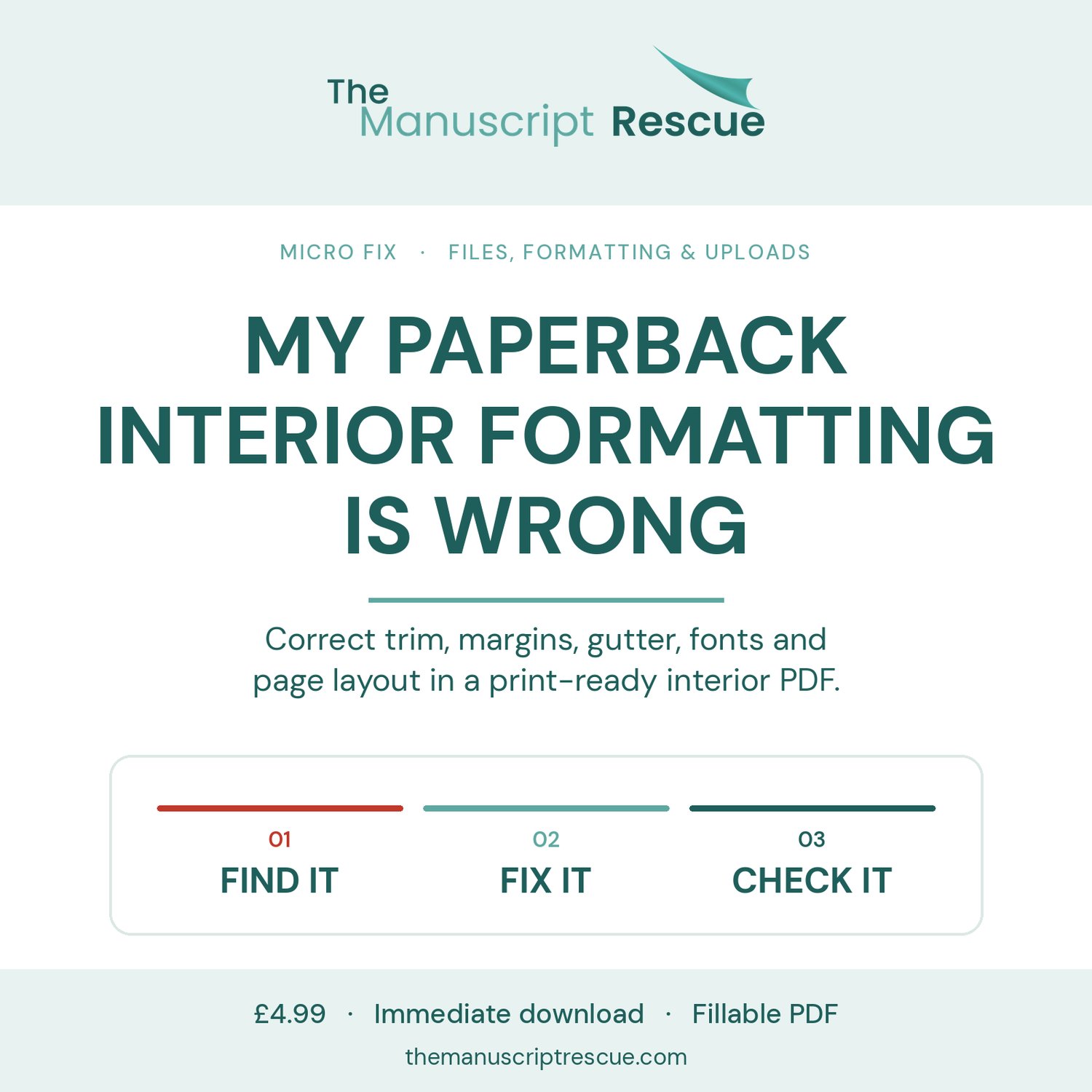
My Paperback Interior Formatting Is Wrong
Correct trim, margins, gutter, fonts and page layout in a print-ready interior PDF.
One problem · one clear fix · step-by-step
Margins that fail the KDP check.
Text that sits too close to the binding.
Fonts that are not embedded correctly.
Images that are too low in resolution.
A PDF exported at the wrong page size.
A KDP-ready interior that also needs to go to IngramSpark or Draft2Digital Print.
This Micro Fix gives you a structured interior check so you can correct the relevant fault without rebuilding unrelated parts of the book.
A fillable PDF: tick the checklists and type into the worksheets on screen, or print it and work on paper. It links to the relevant official KDP, IngramSpark and Draft2Digital pages so you can verify current requirements before acting.
More than one pre-publication problem to solve? Explore the Self-Publishing Pre-Publication Fix Kit: https://payhip.com/b/XZ61q
Amazon, Kindle, Kindle Direct Publishing, KDP, KDP Select, Kindle+ (formerly Kindle Unlimited) and related names and marks are owned by Amazon.com, Inc. or its affiliates. This publication is independently produced by The Manuscript Rescue and is not affiliated with, sponsored, authorised, approved or endorsed by Amazon.
References to IngramSpark, Ingram, Draft2Digital and D2D are used solely to identify and discuss those services. This publication is independent and is not affiliated with, sponsored, authorised, approved or endorsed by IngramSpark, Ingram or Draft2Digital.
Instant download — fillable PDF, works on screen or in print.
Fillable fields: open this PDF in a free PDF app such as Adobe Acrobat Reader to type in the fields and tick the boxes. Some phone and browser viewers show the form but won’t let you fill it in.
Terms: https://themanuscriptrescue.com/terms